9:16 reframing
16 s of 4K ready in 3 s on an AMD RX 9070 XT. Game + camera split screen, 9:16 or 3:4, adjustable frame.
VertoLab turns a horizontal or 4K video into a TikTok, Reel or Short — ready to post. 100% on your PC, GPU-accelerated. No subscription.
135 MB · Windows 10 / 11 · open the purchase page
16 s of 4K ready in 3 s on an AMD RX 9070 XT. Game + camera split screen, 9:16 or 3:4, adjustable frame.
Local transcription by Whisper, 14 designs, synced karaoke, burned in or exported as .srt. Nothing leaves your PC.
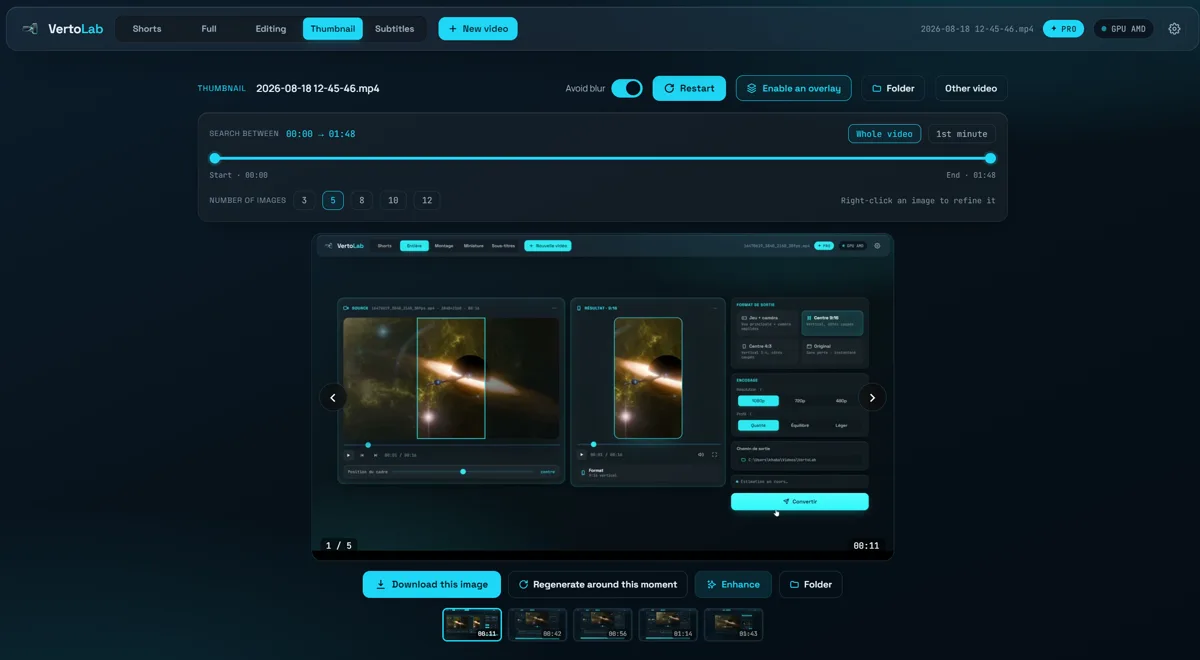
Sharp frames picked automatically, refined second by second, with text and logo layers on top.
— Real results
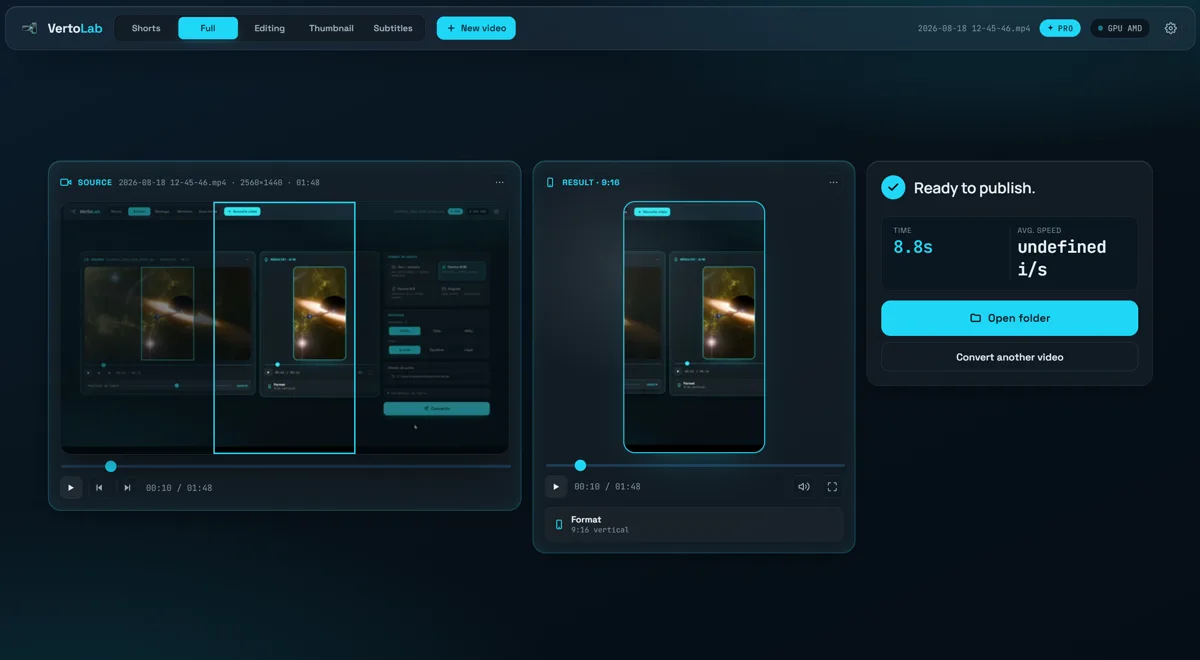
The same clip, reframed to 9:16 without stretching or black bars. Left: the 4K source. Right: the actual export.
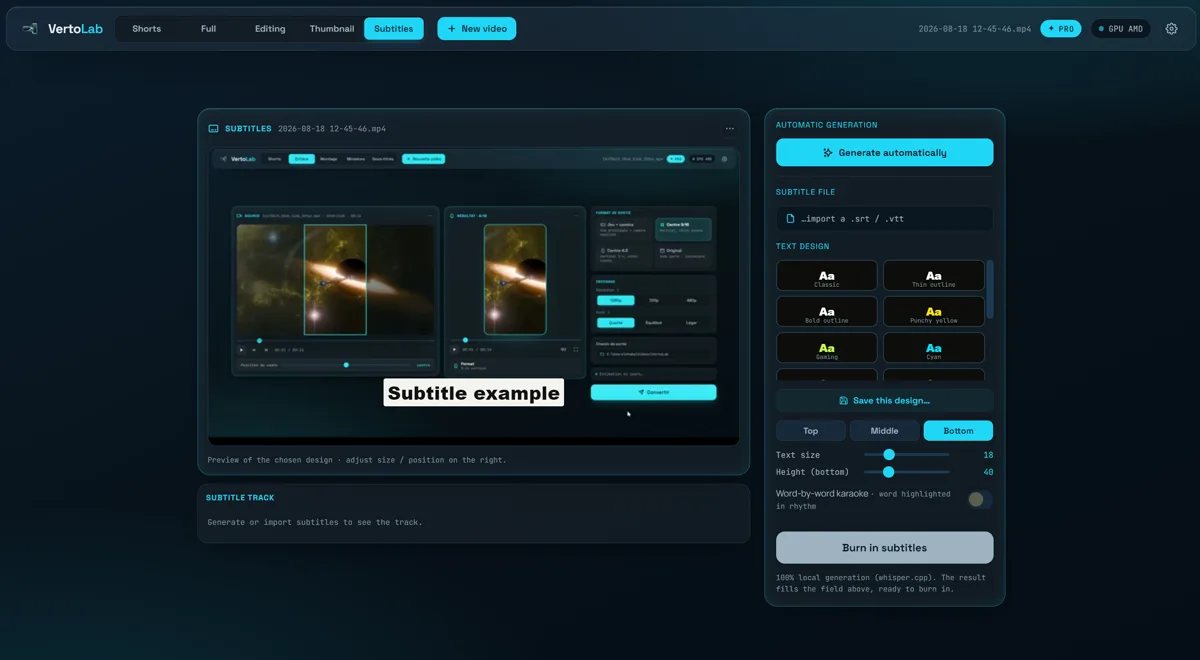
Subtitles burned in by the app itself — this clip is a real render, not a mock-up.
A sharp frame pulled from the video, then a reusable layer on top: badge, inset, logo.
Three steps
— Built-in AI
Once your video is exported, one click reads four frames of it and produces a title, a description and hashtags. Add keywords only if you want to steer the result.
Included in Pro — no API key to set up, nothing to pay per use.
Everything heavy runs on your GPU. No upload, no queue, no credits burning down.
Works offline, forever.
Straight answer: the AI writes, it does not retouch. Image touch-up is classic local processing — which is why it is instant and costs nothing. Only four downscaled frames — plus your keywords if you typed any — ever leave your PC, and only when you click.
— Inside the app
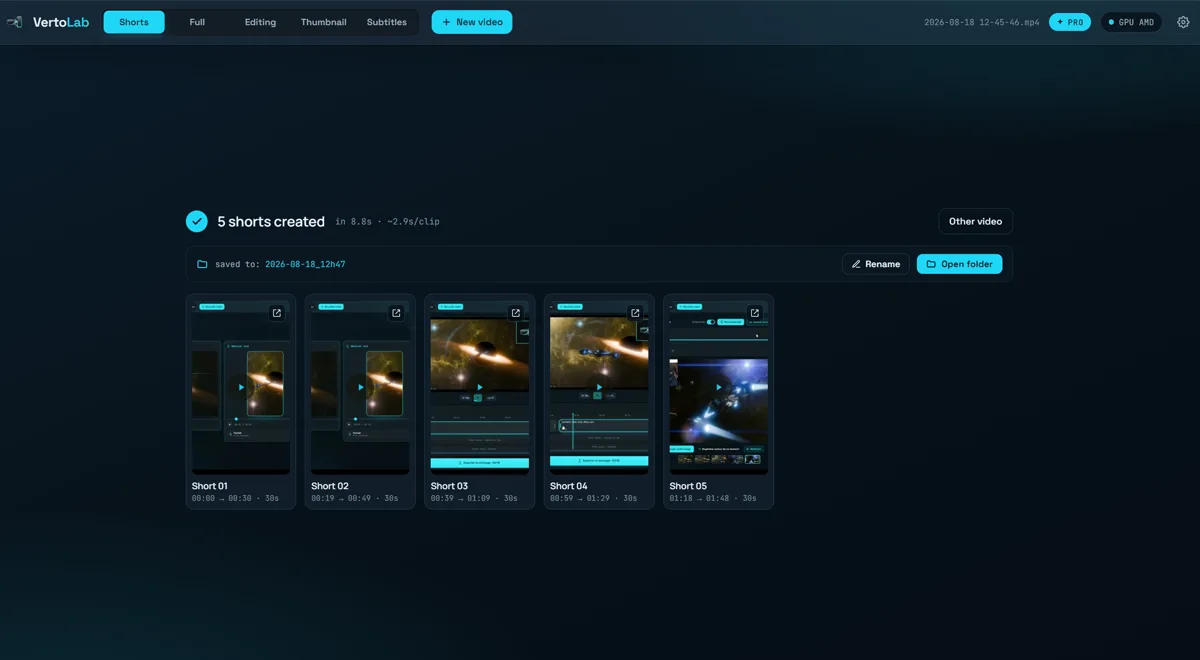
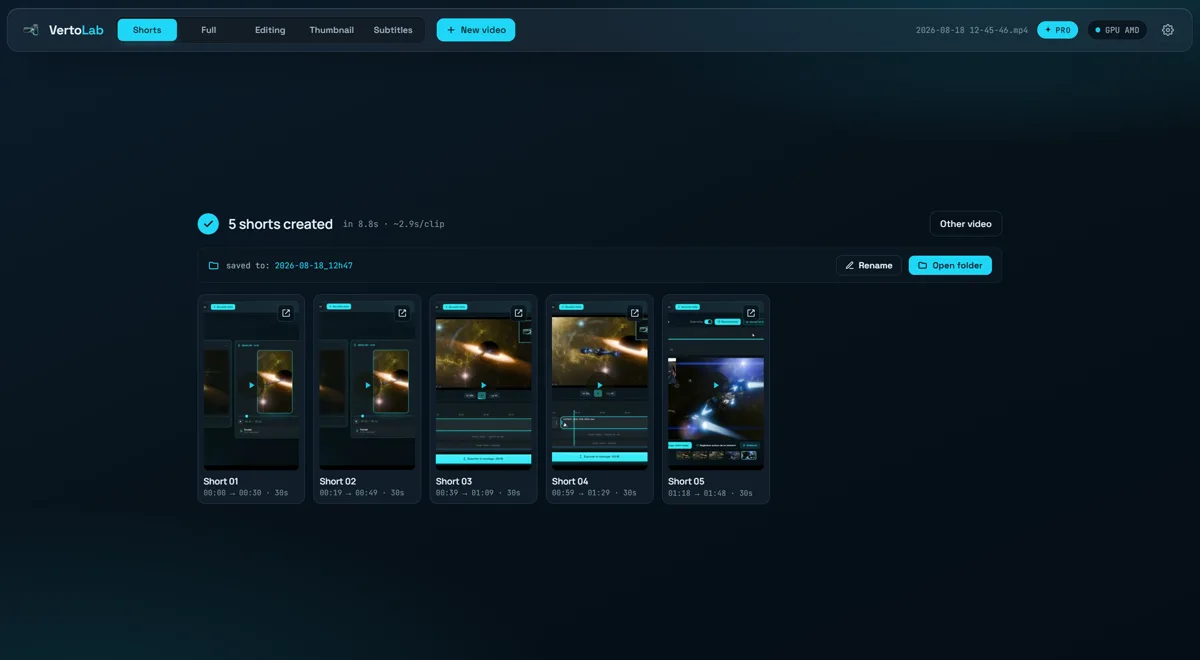
One long recording sliced into several ready-to-post shorts, in a single action.
The whole video reframed vertical, with the crop you choose and nothing else touched.
Cuts, reordering, music — and subtitles automatically shifted to match your edit.
Sharp frames pulled automatically, then refined second by second.
Whisper running locally, 14 designs, synced karaoke, burned in or exported as .srt.
— Simple pricing
Free
0€ forever
Download, test on your own videos and publish. Ideal to discover VertoLab before buying.
VertoLab Pro · lifetime
39€ one-time payment
for life, no subscription
You buy VertoLab once and it is yours forever — future updates included.
100% secure payment · Free version to try before buying · Terms
— FAQ
Yes. Encoding runs on your machine through ffmpeg. No video, no file and no personal data ever leaves your PC — it works offline.
9:16 (1080×1920), 3:4 (1080×1440) and untouched 16:9. Input: MP4, MOV, MKV, AVI, WEBM and more, up to 4K.
A recent GPU helps a lot (AMD AMF, NVENC). Without one, VertoLab falls back to the CPU — slower, but it still works.
No watermark, 1080p, batches, timeline editing, thumbnails and every subtitle design. The free version stays usable forever.
There is no commercial refund — which is exactly why a free version with no time limit exists. Test it on your own videos first, then buy only if it suits you.